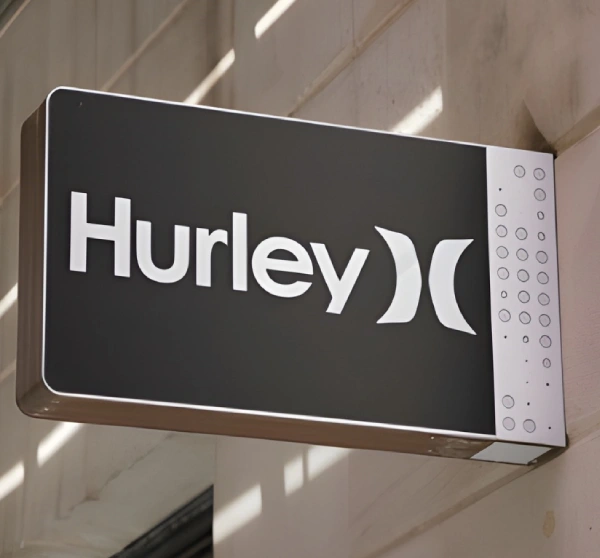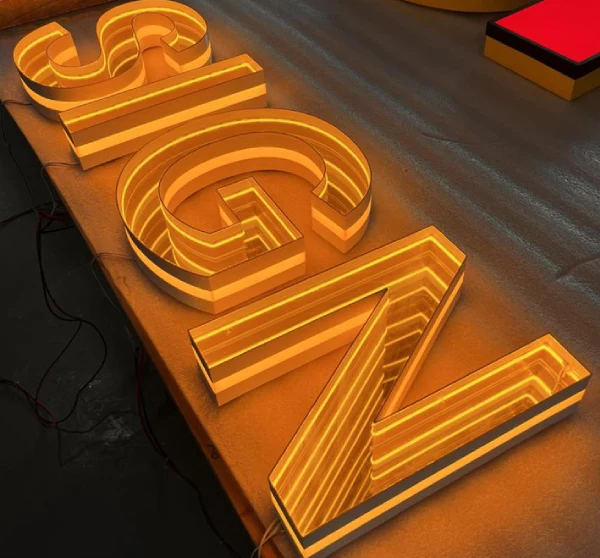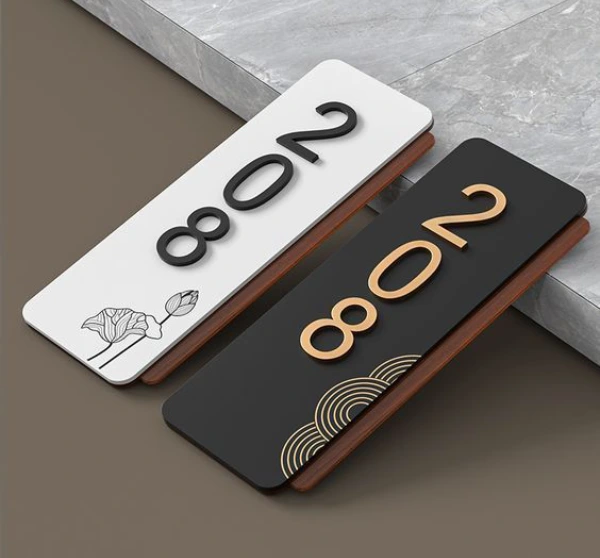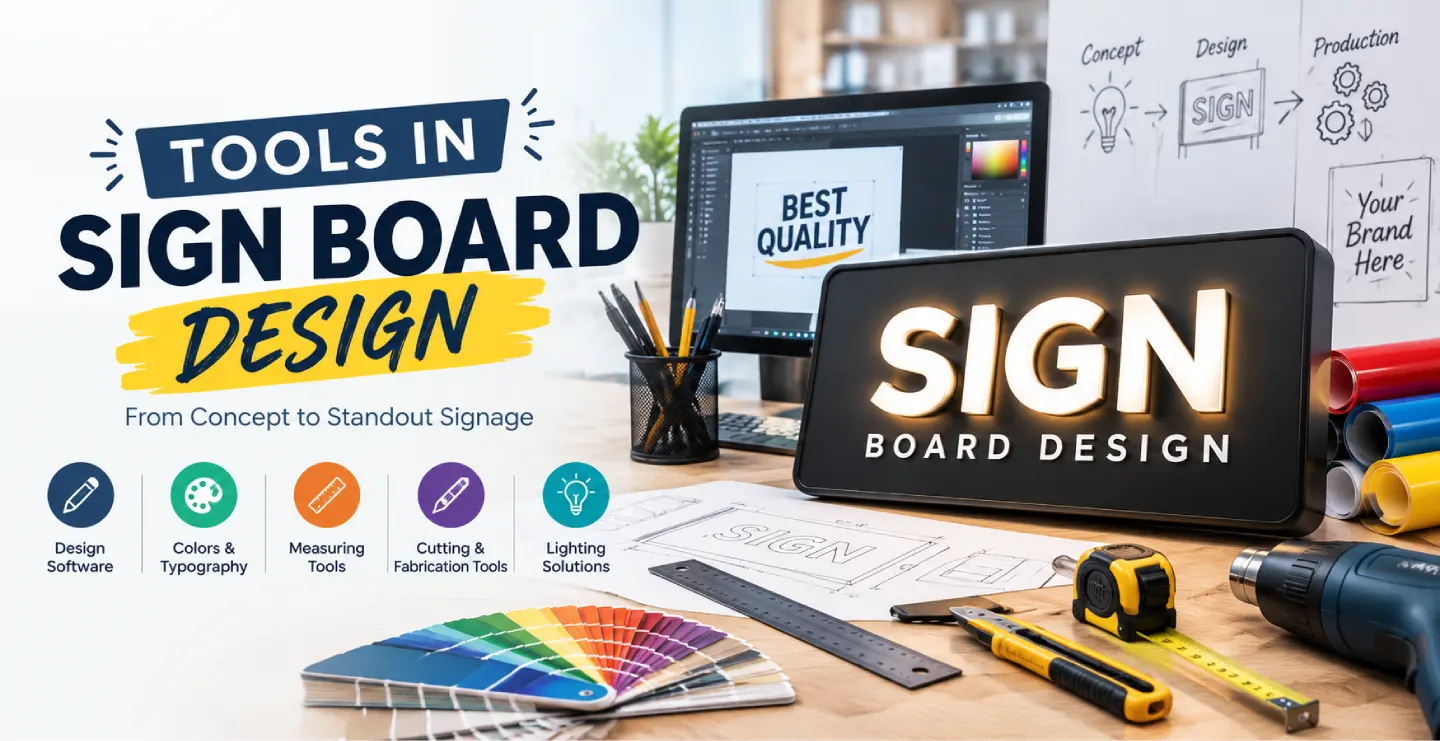
Every great sign board starts as an idea, but the final result depends on the tools used to shape it. A sign maker needs software to plan layouts, machines to cut and print materials, hand tools to finish the work and measuring instruments to install everything accurately. Understanding the use of various tools in sign board design helps business owners, students and new sign makers see how a simple sketch turns into a durable board on the wall.
This guide explains the main tools used at each stage of the process in clear, simple language.
Stage 1: Planning and Design Tools
Pencil, Paper and Sketching
Even in the digital age, a quick sketch is the fastest way to explore ideas. Rough drawings help you decide where the logo, name and tagline should go before opening any software.
Vector Design Software
Programs such as CorelDRAW and Adobe Illustrator are widely used for sign design because they create vector graphics. Vector artwork can be enlarged to any size without losing sharpness, which is essential for big outdoor boards. Letters, logos and shapes are drawn as clean outlines that cutting machines can follow exactly.
Image Editing Software
Tools like Adobe Photoshop help prepare photographs, mock-ups and colour corrections. They are useful for flex printing, vehicle graphics and boards with large images.
Simple Online Design Tools
Beginners and small shop owners sometimes use easy design platforms to create basic layouts and share ideas. These are useful for drafts, but professional production usually requires vector files and high-resolution artwork.
CAD and 3D Software
For complex signs, frames and structures, CAD tools help plan exact dimensions, fixing points and load requirements. 3D modelling software can show how a lit 3D letter sign will look from different angles before production.
Mock-Up Tools
Placing the design on a photograph of the actual shop front lets you check proportion, colour and visibility. This simple step prevents expensive mistakes.
Stage 2: Cutting and Shaping Tools
Vinyl Cutter or Plotter
This machine cuts adhesive vinyl into letters, logos and shapes. It is used for window lettering, vehicle graphics, board lettering and stencils. The blade follows the vector design, producing neat, accurate results.
CNC Router
A CNC router cuts and carves materials such as wood, acrylic, ACP, foam board and soft metals. It is used for 3D letters, raised logos, decorative panels and engraved plates. Because it is computer controlled, it repeats shapes with precision.
Laser Cutting and Engraving Machine
Lasers cut acrylic, wood, leather and thin materials with very clean edges and can engrave fine detail. They are popular for name plates, small letters, decorative signs and gift items. Some industrial lasers can cut metal sheets.
Plasma and Metal Cutting Tools
For iron and steel signs, plasma cutters, shearing machines and metal saws shape thick sheets and frames. Grinders and files are used to clean the edges afterwards.
Hand Cutting Tools
Utility knives, scissors, jigsaws, hacksaws and hand shears are still important for small adjustments and custom jobs where machine cutting is unnecessary.
Stage 3: Printing and Colour Tools
- Large-format flex printers: Produce banners, hoardings and flex boards in full colour.
- Eco-solvent and UV printers: Print on vinyl, acrylic, ACP and other rigid materials with durable, sharp results.
- Screen printing equipment: Used for repeated designs on boards, plates and promotional items.
- Spray guns and paint brushes: Apply paint, primer and finishing coats on metal and wooden boards.
- Powder coating setup: Applies a tough, even colour layer on metal parts, often used for iron and aluminium signs.
- Lamination machines: Add a protective layer over printed materials to resist scratches, moisture and fading.
Stage 4: Fabrication and Assembly Tools
Many sign boards need frames, supports and lighting. Welding machines join iron or steel structures. Drilling machines and hand drills create holes for bolts and wires. Bending tools shape metal strips or ACP edges. Rivet guns, screwdrivers, spanners and pliers assemble parts. Adhesives, silicone and double-sided tapes help fix letters and panels. For lit signs, soldering irons, wire cutters, testers and LED modules are used to build the lighting system safely.
Stage 5: Measuring and Marking Tools
Accuracy matters because a crooked or poorly aligned sign looks unprofessional. Measuring tapes, steel rulers, set squares and spirit levels ensure correct dimensions and straight installation. Laser levels help align long signs. Marking pencils, chalk lines and paper templates indicate drilling points on walls. Vernier callipers and thickness gauges check the dimensions of small parts and materials.
Stage 6: Installation and Safety Tools
Installing a board often involves working at height, so proper equipment is essential. Ladders, scaffolding or lifting platforms provide safe access. Safety harnesses, helmets, gloves and goggles protect workers. Anchor bolts, wall plugs, brackets and chemical anchors secure signs firmly. Electric testers, insulated tools and waterproof connectors are used for illuminated boards. Safety is not optional, since a falling board or an electrical fault can cause serious harm.
Choosing the Right Tool for the Job
Different sign types need different combinations of tools. A flex board needs design software, a large-format printer and a frame. A 3D acrylic letter sign needs vector artwork, a CNC or laser cutter, adhesives, LED lighting and mounting tools. An etched metal plate needs artwork, etching or engraving equipment, finishing tools and a mounting system. A hand-painted wall sign needs paint, brushes, stencils and measuring tools. Matching the tools to the material and design ensures quality, speed and cost control.
Digital Tools vs Traditional Skills
Modern machines have made sign making faster and more accurate, but skill still matters. A good designer understands spacing, contrast and proportion. A good fabricator knows how metal expands, how paint behaves outdoors and how to avoid rust. The best results come when digital precision is combined with traditional craftsmanship and careful supervision.
Tool Maintenance and Quality
Well-maintained tools produce better signs. Cutting blades must be sharp, printer heads should be kept clean, machines need regular calibration and welding equipment must be checked for safety. A neat workshop with organised tools reduces waste, prevents accidents and improves delivery time.
Frequently Asked Questions
Which software is best for sign board design?
Vector programs such as CorelDRAW and Adobe Illustrator are popular because they produce scalable artwork and work smoothly with cutting machines. The best choice depends on your skills and workflow.
Do I need a CNC machine to start a sign business?
Not always. Many beginners start with design software, a vinyl cutter and outsourced printing or fabrication, then add machines as the business grows.
Why is vector artwork important?
Vector files stay sharp at any size and can be used directly for cutting, engraving and printing, which avoids blurry edges and errors.
Final Thoughts
Sign board design is a blend of creativity, technology and craftsmanship. From software and sketches to cutters, printers, welding tools and measuring instruments, every tool plays a role in turning an idea into a durable, attractive sign. Understanding these tools helps you plan better, ask the right questions and appreciate what goes into quality work.
Brand Signages can guide you through the design and production process so your sign is made with the right tools, materials and skills.